
Executive assistant presentation preparation is the structured process where a virtual EA converts an executive’s raw notes, financials, and talking points into an investor-grade deck through intake briefing, narrative architecture, data reconciliation, slide design, and rehearsal support. The executive supplies strategic intent and approves the story, while the EA handles storyline sequencing, metric verification, template governance, version control, and speaker-note drafting. As a result, founders and C-suite leaders walk into every investor meeting with a consistent, defensible deck and never open a slide editor themselves.

Most leaders assume that polished slides demand design skills they simply do not have. In practice, a trained assistant working inside asynchronous executive support workflows can own the entire deck lifecycle, from the first blank outline to the final exported PDF. This guide shows exactly how that works, what you contribute, and which tasks you can safely hand off
What is Executive Assistant Presentation Preparation?
Executive assistant presentation preparation is the end-to-end support an EA provides before an executive presents to investors, boards, lenders, or strategic partners. It covers strategy alignment, content assembly, data verification, slide design, and rehearsal logistics. A virtual EA performs this work remotely, usually through shared drives, messaging tools, and scheduled review calls.
Quick answer: how does a virtual EA prepare an investor presentation?
- The EA collects a short intake brief covering audience, goal, and deadline.
- Next, the EA drafts a slide-by-slide storyline for your approval.
- Then the EA gathers and reconciles every number against a named source.
- After that, the EA designs the deck in a locked brand template.
- Finally, the EA adds speaker notes, Q&A prep, and a clean export.
Notice what is missing from that list: a PowerPoint tutorial for you. Your job is to make decisions and answer questions. The EA’s job is to turn those decisions into slides.
Who Benefits Most From EA-Led Deck Preparation
Several types of leaders gain the most from this model:
- Founders raising capital: They need fast iteration across seed, bridge, and growth conversations.
- CEOs running board cycles: They repeat the same quarterly update format under tight deadlines. A dedicated virtual executive assistant for a CEO can own that recurring rhythm.
- Finance and operations leaders: They hold the data but rarely have hours to format it.
- Consultants and partners: They pitch clients and need consistent, branded materials.
Why Investor Presentations Drain Executive Time
Investor decks look simple from the outside. Behind every clean slide sits a long chain of small tasks. Each one is easy to underestimate, and together they swallow entire evenings.
Here are the most common time sinks:
- Reformatting text boxes after every edit
- Hunting for the latest revenue, churn, or pipeline figure
- Reconciling three versions of the same file
- Rebuilding charts because the source spreadsheet changed
- Adapting one master deck for different investor audiences
- Chasing approvals from co-founders or the finance lead
Consider a typical scenario. A founder has an investor call on Thursday. On Monday, the deck still contains last quarter’s figures, and the team has emailed four competing versions. The founder then spends two late nights fixing alignment instead of preparing for tough questions. That trade is expensive, because investor conversations reward clarity of thinking far more than pixel-perfect spacing.
Delegating executive assistant presentation preparation reverses the trade. The EA absorbs the mechanical work. You keep your attention on the message, the relationships, and the answers only you can give.
What “Investor-Grade” Actually Means
“Investor-grade” is not a design style. It is a quality standard. An investor-grade deck is accurate, consistent, easy to scan, and ready to survive follow-up questions.
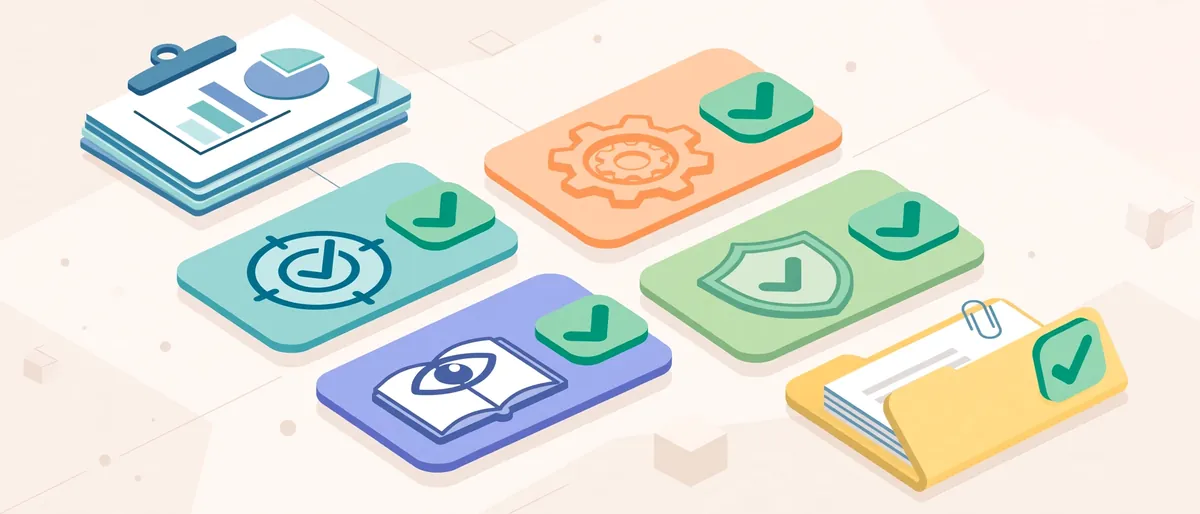
Use this checklist to test any deck:
- Every number has a source. Someone can trace each metric to a dated report.
- The story fits the audience. A seed investor and a lender care about different proof.
- Slides are readable at a glance. Each slide makes one point.
- Formatting is consistent. Fonts, colors, chart styles, and footers match throughout.
- Claims are defensible. Projections are labeled as projections.
- The appendix is ready. Backup slides exist for the questions you expect.
- File hygiene is clean. Metadata, comments, and hidden slides are removed before sending.
Standard Internal Deck vs. Investor-Grade Deck
| Feature | Standard Internal Deck | Investor-Grade Deck |
|---|---|---|
| Purpose | Share updates with your team | Persuade an outside audience to act |
| Data sourcing | Pulled quickly from memory or chat | Verified against named, dated sources |
| Slide density | Often text heavy | One idea per slide, minimal text |
| Formatting | Mixed fonts and colors | Locked template with a master slide |
| Version control | Several files with unclear names | One controlled file with a change log |
| Q&A readiness | Improvised | Backup slides and a prepared answer sheet |
| Confidentiality | Shared freely | Access-controlled, watermarked when needed |
| Review process | Ad hoc comments | Two structured review rounds |
This table also shows why executive assistant presentation preparation works so well as a delegated task. Nearly every row in the right column is process work, and process work is exactly what a disciplined EA does best.
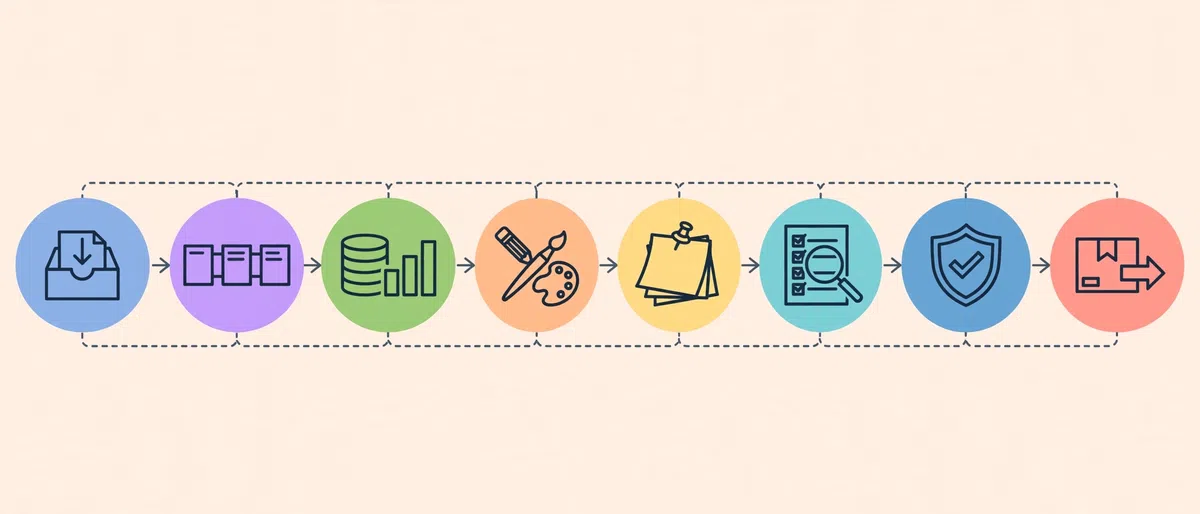
The 8-Step Process Behind Executive Assistant Presentation Preparation
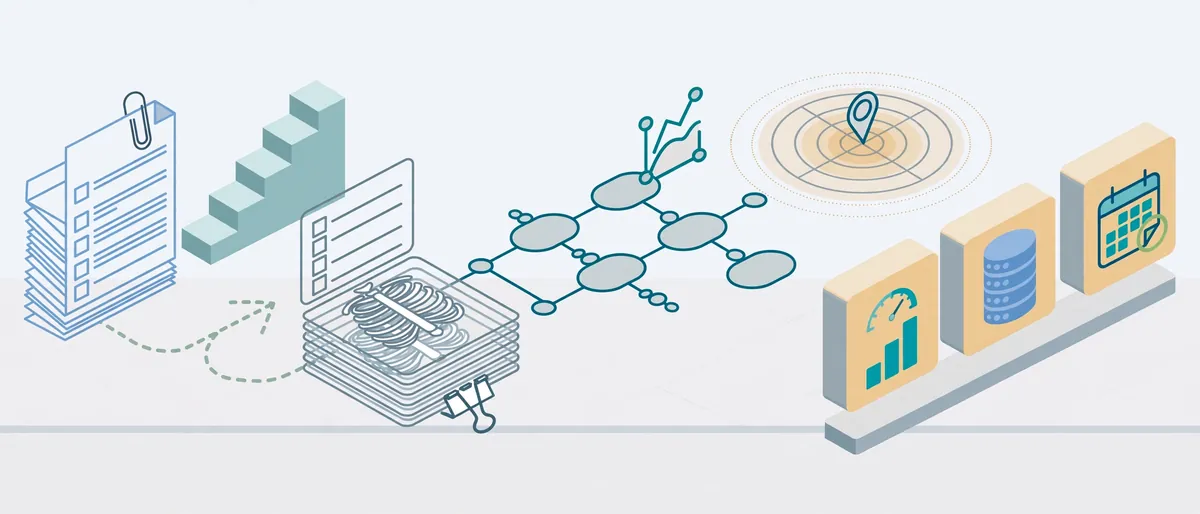
Quick answer: what are the steps?
- Intake brief
- Storyline and slide architecture
- Data gathering and reconciliation
- Design and formatting
- Speaker notes and Q&A prep
- Review loops and version control
- Compliance and confidentiality check
- Delivery logistics and rehearsal
Each stage below explains what the EA does, what you do, and where things commonly go wrong.
Step 1: Intake Brief – Starting With the Right Questions
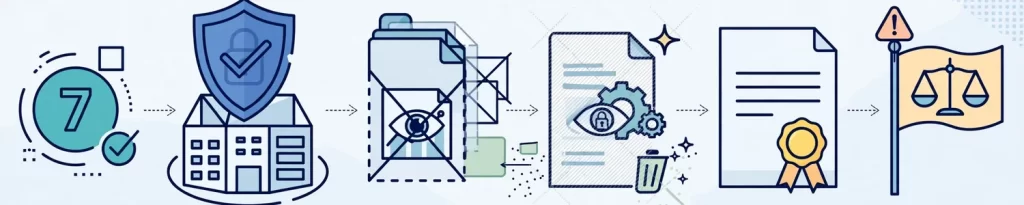
Every strong deck begins with a short, structured brief. Your EA sends a one-page form or a set of prompts before touching a slide. Typical questions include:
- Who is the audience, and what do they already know?
- What action do you want them to take after the meeting?
- How long is the slot, and will you present live or send the deck ahead?
- Which metrics must appear, and which topics are sensitive?
- Which previous decks, brand files, and templates should the EA reuse?
Your part: Spend 20 to 30 minutes on a call or record a voice note. Rough answers are fine. The EA will turn them into a clean written brief and send it back for confirmation.
Common trap: Skipping the audience question. A deck built for “investors in general” usually persuades no one in particular.
Step 2: Storyline and Slide Architecture – Building the Narrative First
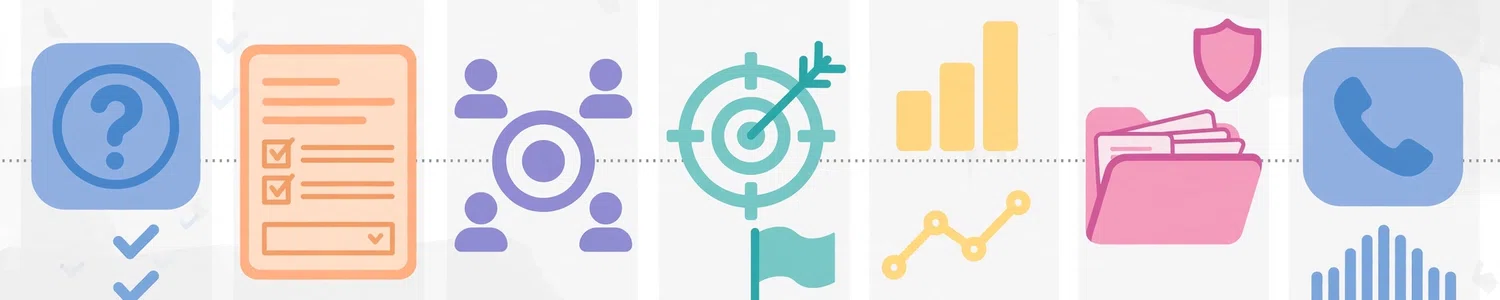
Great investor decks start as outlines, not slides. The EA drafts a “skeleton deck” that lists each slide title and its single message. This is the stage where the story takes shape.
A common investor narrative follows this sequence:
- Problem
- Solution
- Market opportunity
- Product or service
- Traction and proof
- Business model
- Team
- Financials
- The ask and use of funds
Y Combinator’s seed deck guidance makes a related point: early-stage decks should lean on a clear narrative rather than heavy detail, because most seed companies have little meaningful detail to explore yet. Your EA can apply the same principle, then adjust depth for later-stage audiences that expect more data.
Your part: Review the outline and approve, cut, or reorder slides. This 15-minute checkpoint saves hours later, because nothing gets designed until the story is settled.
Common trap: Approving an outline too quickly, then rewriting the story after slides are polished.
Step 3: Data Gathering and Reconciliation – One Source of Truth
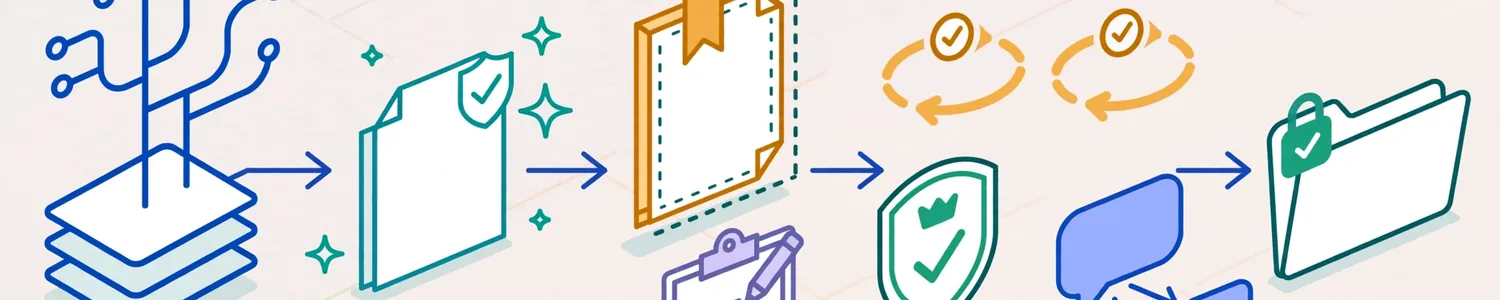
Investors test numbers. A single mismatch between your deck and your data room can undermine trust in everything else. For that reason, the EA builds a simple source-of-truth tracker before populating any slide.
| Metric | Value | Source | Date | Owner |
|---|---|---|---|---|
| Monthly recurring revenue | (from finance sheet) | Finance dashboard | Latest close | Finance lead |
| Customer count | (from CRM) | CRM export | Latest close | Sales lead |
| Gross margin | (from accounting) | Management accounts | Latest close | CFO or founder |
| Pipeline value | (from CRM) | Pipeline report | This week | Sales lead |
The EA pulls figures from the named sources, flags any conflicts, and asks the owner to confirm. Importantly, a good EA never invents or rounds numbers to make a slide look better. When two sources disagree, the EA escalates the question instead of choosing a winner.
Your part: Point the EA to the right dashboards and name the person who can settle disputes.
Common trap: Letting numbers live only inside slides. Once data is buried in a chart, nobody can trace it.
Step 4: Design and Formatting – Polish Without Design Skills
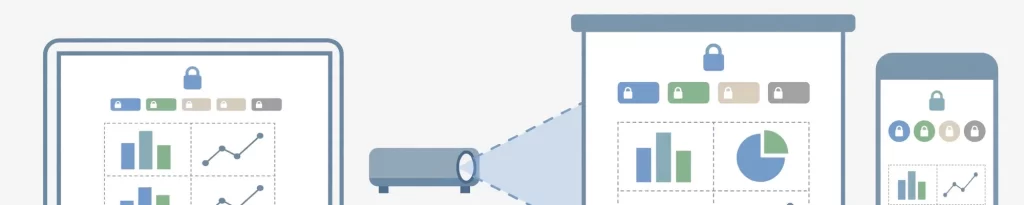
Design is where executives feel the most anxiety, and where a trained EA adds the most visible value. Instead of formatting slide by slide, the EA works from a locked master template. Fonts, colors, spacing, chart styles, and footers are set once, so every edit stays consistent automatically.
Microsoft’s official presentation tips reinforce several of the same habits an EA applies:
- Choose simple, readable fonts.
- Avoid text smaller than 18 pt.
- Keep slide text short so the audience listens instead of reading.
- Use consistent, subtle backgrounds with strong contrast.
- Label charts clearly and use only enough text to make them understandable.
In addition, a skilled EA:
- Converts dense paragraphs into short statements
- Replaces raw tables with clean charts where a trend matters
- Aligns logos, icons, and images to a grid
- Keeps one visual style across every slide
- Checks the deck on a laptop screen, a projector layout, and a phone preview
Your part: Share your logo, brand colors, and any past decks you like. Then react to a first draft instead of building from nothing.
Common trap: Approving a beautiful deck that hides the key metric on slide 14.
Step 5: Speaker Notes and Q&A Prep – Preparing You to Talk, Not Just Show
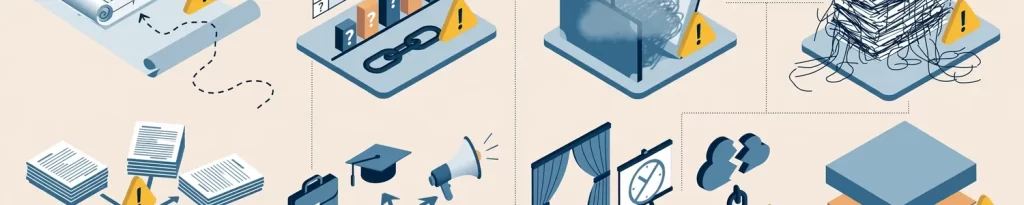
A deck is only half of a presentation. The other half is what you say. Therefore, the EA drafts speaker notes for each slide with three elements: the key message, the supporting proof, and the transition to the next slide.
The EA also builds a Q&A prep sheet. It lists the questions investors commonly raise, such as:
- How do you acquire customers, and at what cost?
- What is your retention or churn picture?
- Who are your closest competitors, and why do you win?
- How will you use the funds over the next 12 to 18 months?
- What are the biggest risks to the plan?
For each question, the EA links to the relevant backup slide and the source number. You supply the actual answers, because only you know the reasoning. The EA structures them so you can find them quickly under pressure.
Your part: Record short voice answers to the top questions. The EA transcribes and organizes them.
Common trap: Writing notes as full scripts. Notes should trigger memory, not replace it.
Step 6: Review Loops and Version Control – Keeping the File Clean
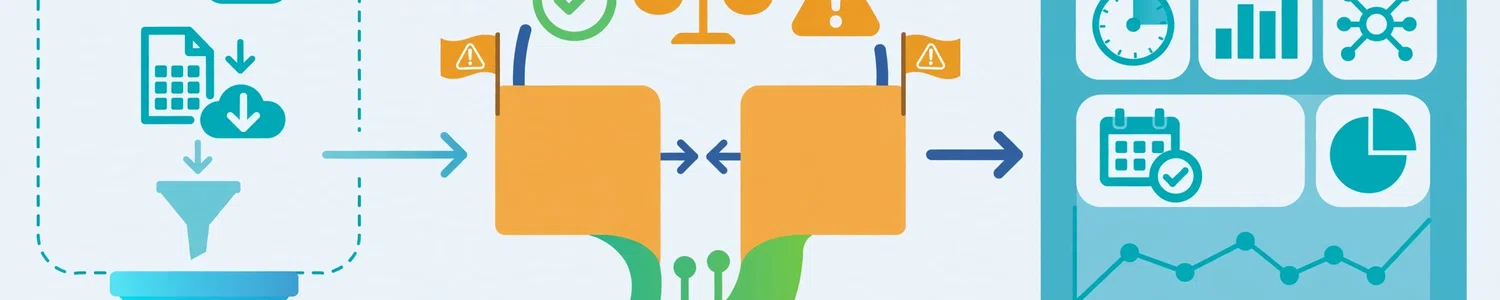
Version chaos is one of the biggest silent risks in deck building. To prevent it, the EA sets simple rules from day one:
- One master file. Everyone comments on the same document.
- Clear naming. For example:
CompanyName_InvestorDeck_v07_DRAFT. - Two review rounds. Round one covers story and data; round two covers wording and design.
- A change log. A short list records what changed and why.
- A single decision owner. When feedback conflicts, one person decides.
The EA also collects comments from co-founders, advisors, and the finance team, then consolidates them into a single list. That consolidation alone often saves several hours of back-and-forth.
Your part: Name the decision owner and give feedback in batches instead of piece by piece.
Common trap: Accepting edits from five people in five different files.
Step 7: Compliance and Confidentiality Check – Protecting the Company

Before any deck leaves your organization, the EA runs a final protection pass:
- Confirm that projections and forward-looking statements are labeled as such.
- Remove hidden slides, tracked changes, and internal comments.
- Strip document metadata from exported files.
- Apply view-only sharing links, passwords, or watermarks where appropriate.
- Confirm that any confidentiality agreement is in place before sharing sensitive figures.
Public companies face additional rules. For example, the U.S. Securities and Exchange Commission’s Regulation FD addresses selective disclosure, meaning material nonpublic information shared with certain market professionals must also reach the public. The Investor.gov explanation of Regulation FD offers a plain-language summary. An EA does not replace legal counsel. Instead, the EA flags anything that looks sensitive so your lawyer or compliance lead can review it.
Your part: Route anything regulatory or legally sensitive to counsel.
Common trap: Sending a “final” file that still contains internal comments or a hidden slide.
Step 8: Delivery Logistics and Rehearsal – Landing the Meeting
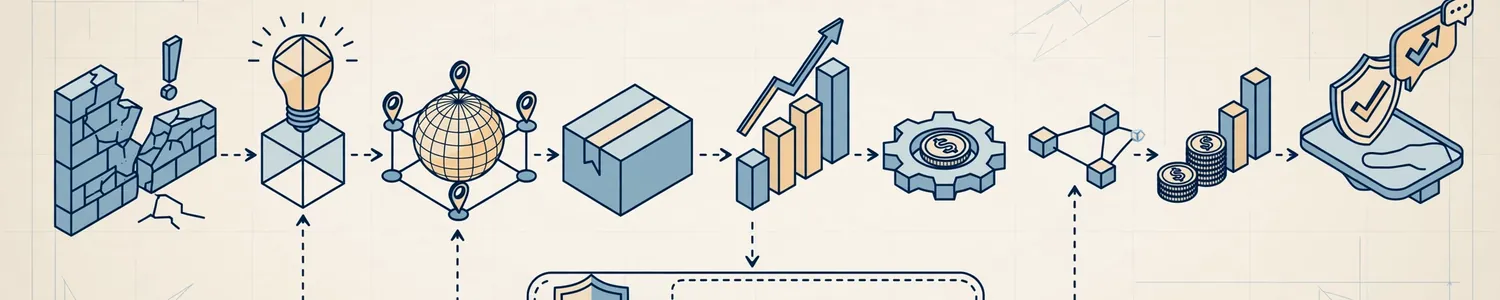
The last stage is where good preparation turns into a smooth meeting. The EA typically:
- Exports a PDF and keeps the native file ready as a backup
- Tests screen sharing and the meeting link
- Saves an offline copy in case the connection fails
- Schedules a rehearsal slot and shares the notes ahead of time
- Prepares a short leave-behind or follow-up email with the deck and data room link
- Logs investor questions and follow-ups right after the meeting
This is where the EA’s calendar skills also matter. A clean rehearsal window and a protected buffer before the meeting depend on solid scheduling, so strong presentation support and disciplined calendar control go hand in hand.
What You Provide vs. What Your Virtual EA Delivers
A common worry is that delegating a deck means losing control of it. In reality, the split is clear. You keep every decision. The EA takes every task.
Delegation Split Table: Executive Assistant Presentation Preparation
| Stage | You Provide | Your Virtual EA Delivers |
|---|---|---|
| Intake | Goals, audience, deadline | Written brief and confirmation |
| Storyline | Approval and edits | Slide-by-slide outline |
| Data | Access and dispute decisions | Source-of-truth tracker and populated charts |
| Design | Logo, brand preferences | Locked template and formatted slides |
| Notes and Q&A | Answers in your own words | Structured notes and prep sheet |
| Review | Batched feedback | Consolidated comments and change log |
| Compliance | Legal sign-off | Clean file and flagged risks |
| Delivery | Show up and present | Exports, backups, rehearsal, follow-up |
Read the “You Provide” column again. Nothing in it requires software training. It asks only for judgment, context, and approval, which are the things executives already do best.
A Sample 10-Day Timeline for an Investor Meeting
Timelines vary by deck and stakes. Still, a realistic schedule helps you plan. Here is a sample countdown that a virtual EA might follow for a first investor meeting.
| Day | Milestone | Executive Time Needed |
|---|---|---|
| Day 10 | Intake call and written brief | 20-30 minutes |
| Day 9 | Skeleton deck (outline) shared | 15 minutes to approve |
| Days 8-7 | Data gathering and tracker build | Minimal; answer questions |
| Days 6-5 | First designed draft | 30 minutes of feedback |
| Day 4 | Speaker notes and Q&A sheet | 20 minutes of voice answers |
| Day 3 | Second review round | 20 minutes |
| Day 2 | Compliance check and final export | 10 minutes to approve |
| Day 1 | Rehearsal and logistics check | 30-45 minutes |
| Meeting day | Present, then log follow-ups | Meeting time only |
Add up the executive column and you get roughly three hours across ten days. Compare that with the many evenings a founder might otherwise lose. Your numbers will differ, but the pattern holds: short, focused check-ins replace long, scattered editing sessions.
Deck Types a Virtual EA Can Prepare
Investor-grade preparation is not limited to fundraising. The same process supports many high-stakes presentations.
| Deck Type | Main Purpose | EA Focus |
|---|---|---|
| Fundraising pitch deck | Win investment | Narrative, traction proof, the ask |
| Quarterly investor update | Maintain trust | Consistent format, metric trends |
| Board meeting deck | Support decisions | Decision slides, pre-read pack |
| Lender or LP presentation | Build confidence | Risk framing, financial clarity |
| Strategic partnership pitch | Open a deal | Value story, brand polish |
For recurring formats, such as quarterly updates, the EA builds a reusable template. Each new cycle then takes far less time, because structure, styling, and metric sources are already in place.
Tools a Virtual EA Uses for Presentation Work
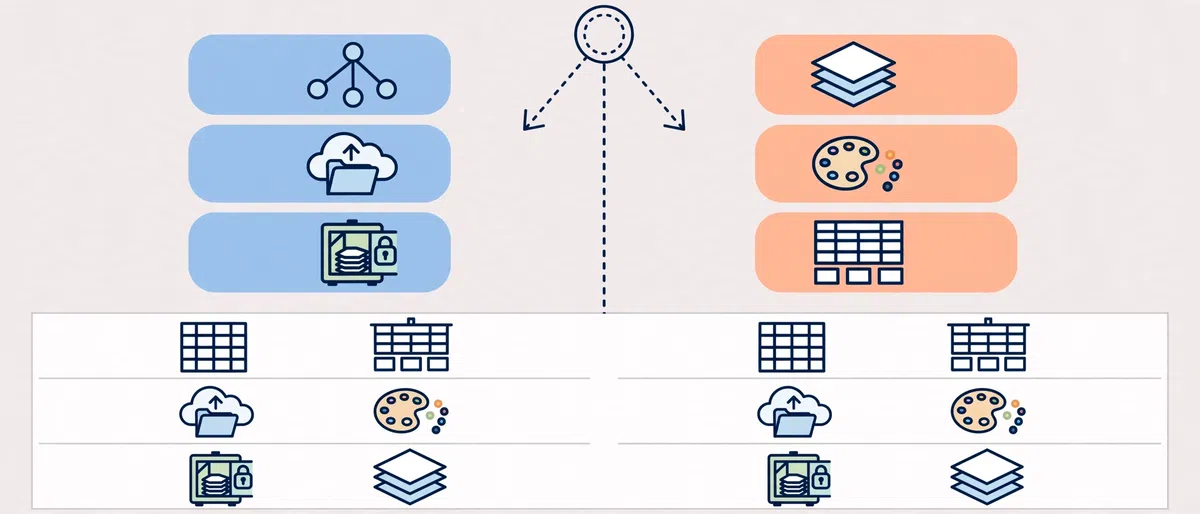
You do not need to learn any of these tools. Knowing them, however, helps you brief your EA and evaluate their work.
- PowerPoint or Google Slides: The main slide builders, chosen to match your team’s workflow.
- Slide masters and brand kits: These lock fonts, colors, and layouts.
- Shared drives: Google Drive, OneDrive, or Dropbox hold the single master file.
- Spreadsheets and dashboards: These serve as the data source for charts.
- Project boards: Notion, Asana, or Trello track deck tasks and deadlines.
- Screen recorders: Loom-style tools let the EA send visual feedback requests.
- Data rooms: Secure platforms host backup documents for investor diligence.
- AI drafting tools: These speed up first-pass summaries, which humans then verify.
That last point deserves attention. AI can accelerate outlines and rewrites, but it cannot vouch for accuracy. If you want to understand how modern assistants combine these tools with human judgment, read our explainer on the AI-trained virtual executive assistant model.
Common Mistakes in Executive Assistant Presentation Preparation
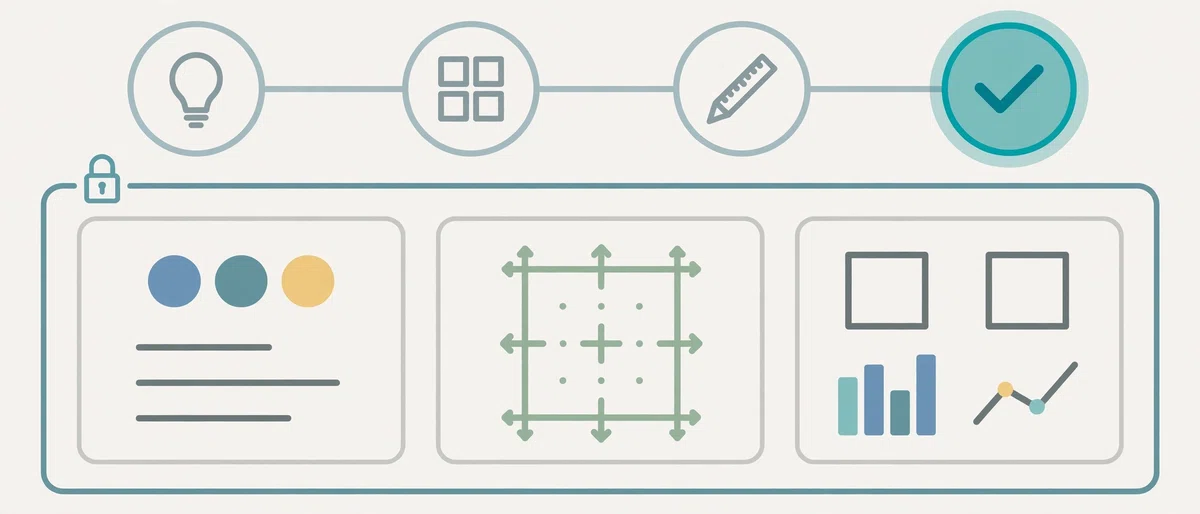
Even strong teams stumble. Watch for these frequent errors, and use the fixes to stay on track.
- Designing before the story is approved. Fix: lock the outline first, then design.
- Using unsourced numbers. Fix: keep a source-of-truth tracker and cite dates.
- Sending a vague brief. Fix: answer the audience, goal, and deadline questions in writing.
- Overloading slides with text. Fix: limit each slide to one message and move detail to the appendix.
- Letting versions multiply. Fix: keep one master file and a change log.
- Skipping audience variants. Fix: prepare a short list of slide swaps for each investor type.
- Ignoring the rehearsal. Fix: book it on the calendar when the deadline is set.
- Forgetting a backup plan. Fix: keep an offline copy and a PDF ready.
- Treating the EA like a typist. Fix: involve the EA in structure and quality checks, not just formatting.
- Leaving hidden content in the file. Fix: run a final cleanup for comments, notes, and metadata.
Expert Tips for Better Executive Presentation Support
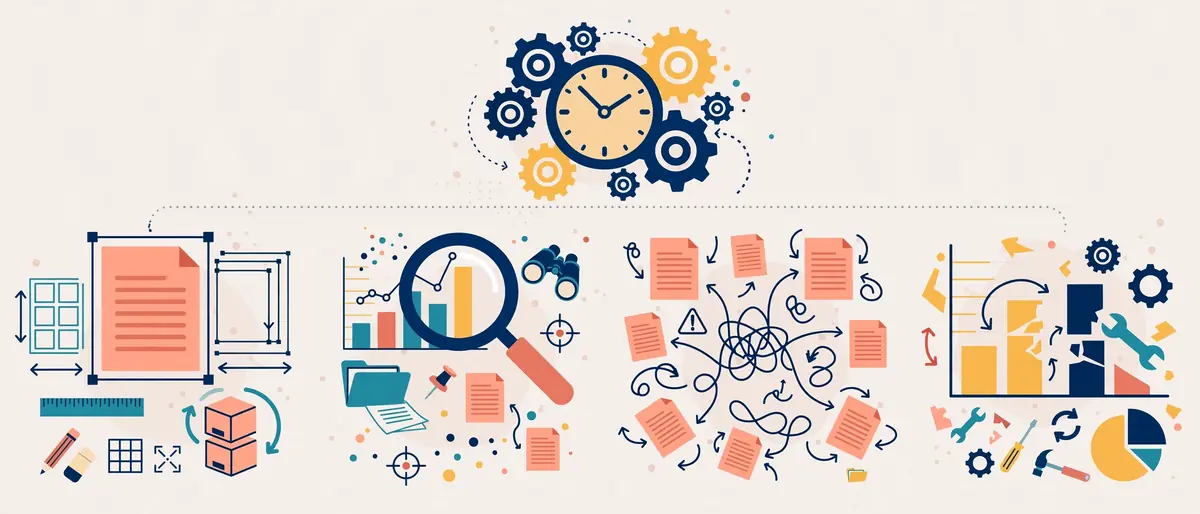
These habits separate smooth deck projects from stressful ones:
- Brief in your own voice. A five-minute voice memo often carries more context than a long email.
- Approve in stages. Sign off on outline, data, and design separately, so problems surface early.
- Ask for a “one-slide answer.” If the EA cannot summarize the deck on a single slide, the story needs work.
- Create a reusable asset library. Store logos, charts, customer quotes, and product screenshots in one folder.
- Keep an investor-question log. After each meeting, the EA records what investors asked. Over time, this log sharpens every future deck.
- Build backup slides on purpose. Prepare appendix pages for pricing, unit economics, competition, and roadmap.
- Rehearse out loud. Even one run-through exposes awkward transitions.
- Protect your buffer. Ask the EA to block the hour before a meeting for quiet preparation.
How to Choose a Virtual EA for Presentation Work
Not every assistant is equally strong at deck work. Before you hire, test for the skills that matter here.
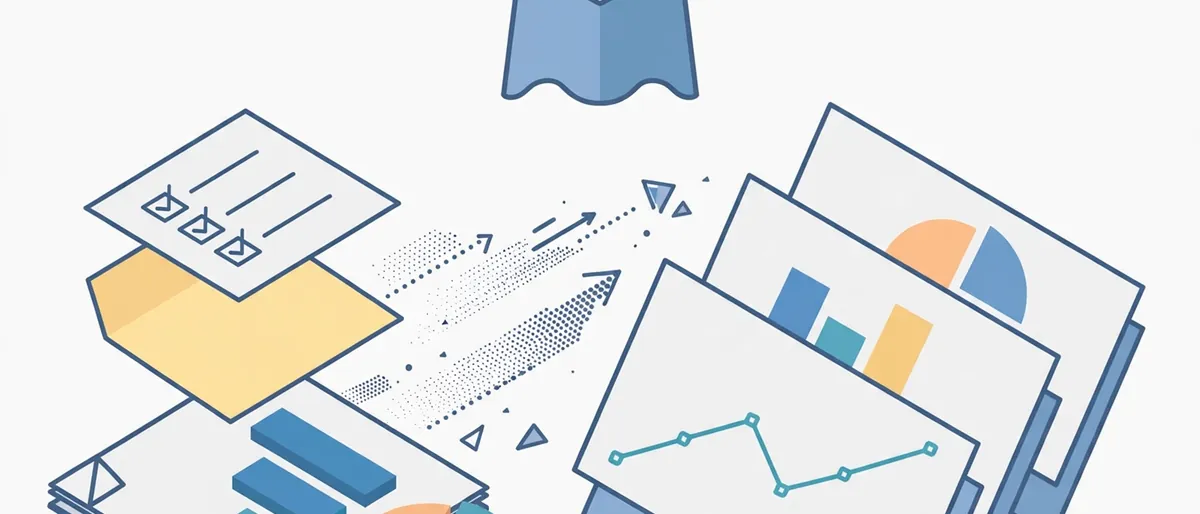
Look for an EA who can:
- Turn a rough outline into a clear slide sequence
- Work accurately with spreadsheets and dashboards
- Apply a brand template without breaking the layout
- Ask clarifying questions instead of guessing
- Handle confidential material with discipline
- Keep version control tidy under deadline pressure
A practical screening step is a paid trial task. Give the candidate a messy set of notes and a sample dataset, and ask for a five-slide update. You will learn more from that exercise than from any resume.
For a broader screening framework, review this hiring checklist for C-suite virtual EAs. To understand the wider scope of the role beyond decks, see what a virtual EA handles day to day. Budget questions matter too, so compare typical virtual EA pricing models before you commit.
Confidentiality and Security When a Virtual EA Handles Investor Data

Investor materials often contain unreleased financials, cap table details, and strategic plans. Trust matters, but process matters more. Put these safeguards in place from day one:
- Signed confidentiality terms before any sensitive access
- Least-privilege access, so the EA sees only the folders required
- Two-factor authentication on every shared account
- A password manager instead of shared passwords in chat
- View-only links and expiring access for external recipients
- A defined offboarding checklist that removes access immediately when work ends
- A clear data-handling rule for downloads, local files, and screenshots
Together, these controls let you delegate confidently. They also show investors that your company handles information with care.
How to Measure Whether Your EA-Led Presentation Process Works
Google’s guidance on helpful, people-first content asks creators to demonstrate real experience and trustworthiness, and investors apply a similar standard to your materials. Reliable results come from measuring the process, not just admiring the final deck.

Track these indicators:
- Executive hours per deck: Does the total fall over time?
- Revision rounds: Are you staying within two structured rounds?
- On-time delivery: Does the deck arrive before the agreed deadline?
- Data error rate: How many number corrections appear after review?
- Investor follow-up quality: Do investors ask deeper questions instead of clarifying basics?
- Reuse rate: How much of the template and asset library carries into the next deck?
Review these numbers every quarter. Over time, a good EA process should show fewer edits, faster turnaround, and calmer meeting days.
Frequently Asked Questions About Executive Assistant Presentation Preparation
What is executive assistant presentation preparation?
Executive assistant presentation preparation is the process where an EA plans, builds, checks, and packages a presentation for an executive. It typically includes an intake brief, storyline outline, data verification, slide design, speaker notes, Q&A prep, and delivery logistics.
Can a virtual EA build an investor deck if I do not know PowerPoint?
Yes. You provide goals, source material, and approvals, while the EA builds the slides. Because the EA works from a locked template and a reviewed outline, you react to drafts instead of creating them.
How long does executive assistant presentation preparation take?
A first investor deck often takes about one to two weeks from intake to final export, depending on data readiness and feedback speed. Recurring decks, such as quarterly updates, move much faster once a template exists.
How much of my time will the process require?
Expect short check-ins rather than long editing sessions. A sample schedule needs roughly three hours of executive time across ten days, covering the intake call, outline approval, feedback rounds, voice answers for Q&A, and rehearsal.
Who is responsible for the accuracy of the numbers?
You and your finance owner remain responsible for the numbers. The EA gathers, organizes, and cross-checks figures, then flags conflicts for confirmation. That division keeps accountability clear while removing manual errors.
Is it safe to share confidential financials with a virtual EA?
It can be, provided you use proper controls. Sign confidentiality terms, limit access to required folders, enable two-factor authentication, use view-only links, and remove access at offboarding. For legally sensitive material, always involve counsel.
Can a virtual EA also prepare board decks and quarterly updates?
Absolutely. Board packs, investor updates, lender presentations, and partnership pitches all follow a similar process. The EA creates a reusable structure, so each new cycle needs less setup.
Should I use AI tools for presentation preparation?
AI can speed up drafts and summaries, but humans must verify every claim and number. A trained EA uses AI as an assistant to the process, not a substitute for judgment.
Conclusion: Delegate the Slides, Keep the Story
Strong executive assistant presentation preparation gives leaders back their most valuable resource: focused thinking time. Instead of wrestling with slide layouts, you decide the message, approve the story, and prepare for the conversation that actually wins the investment. Meanwhile, your virtual EA handles the intake, the numbers, the design, the notes, and the logistics.
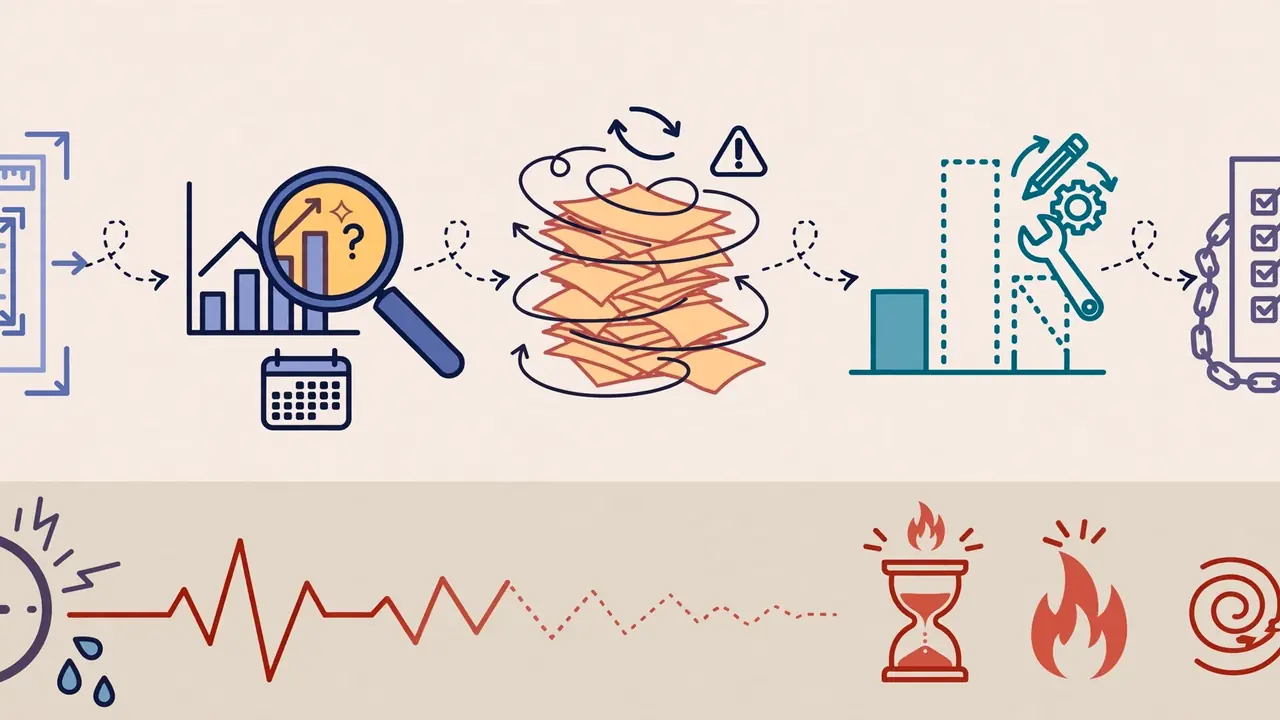
To recap, the eight-step process works because each stage has a clear owner and a clear checkpoint. The result is a deck that is accurate, consistent, and ready for tough questions, with almost no software training required from you.
Ready to walk into your next investor meeting with a deck you trust? Hire a virtual EA who delivers investor-ready presentations on time and reclaim your evenings for the work only you can do.